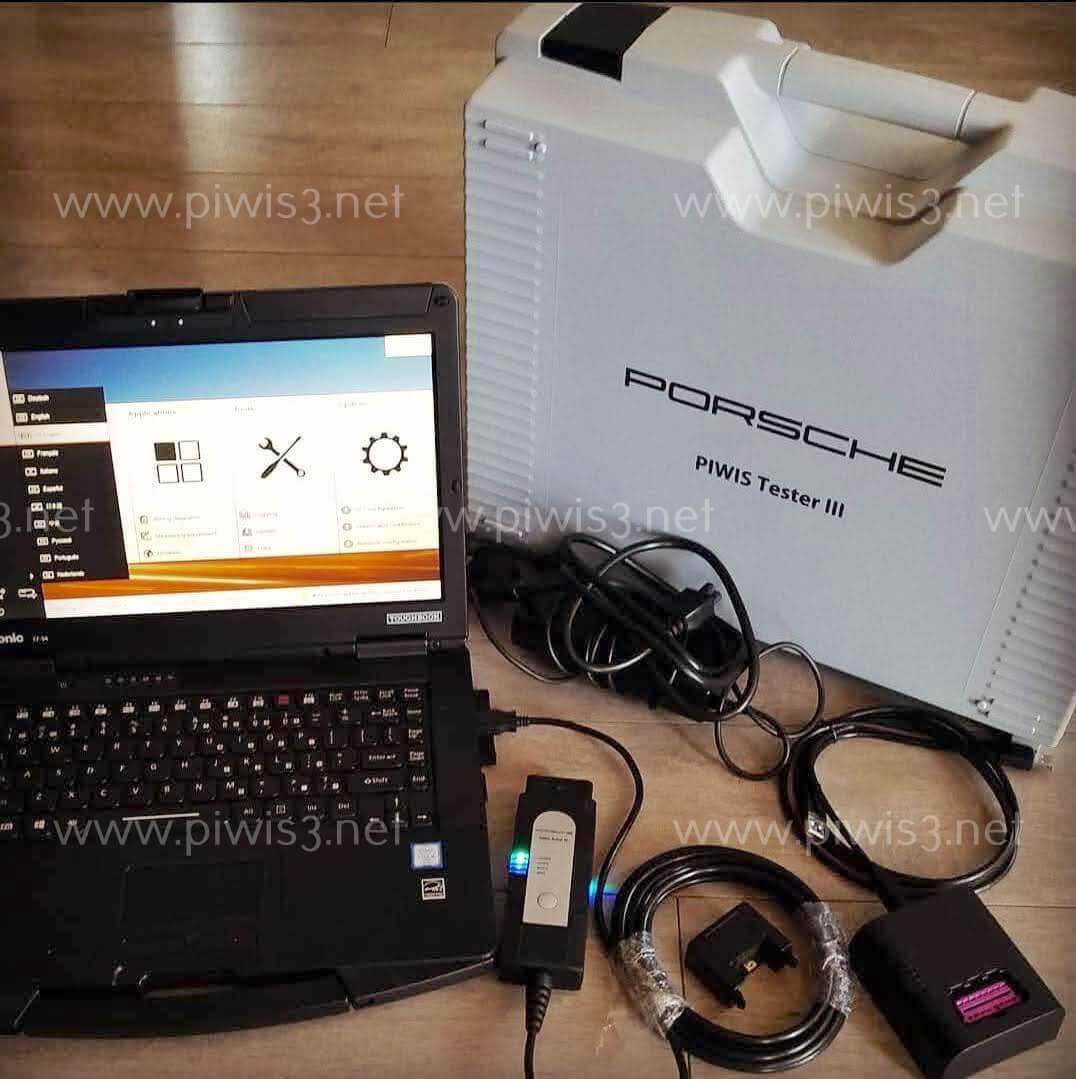
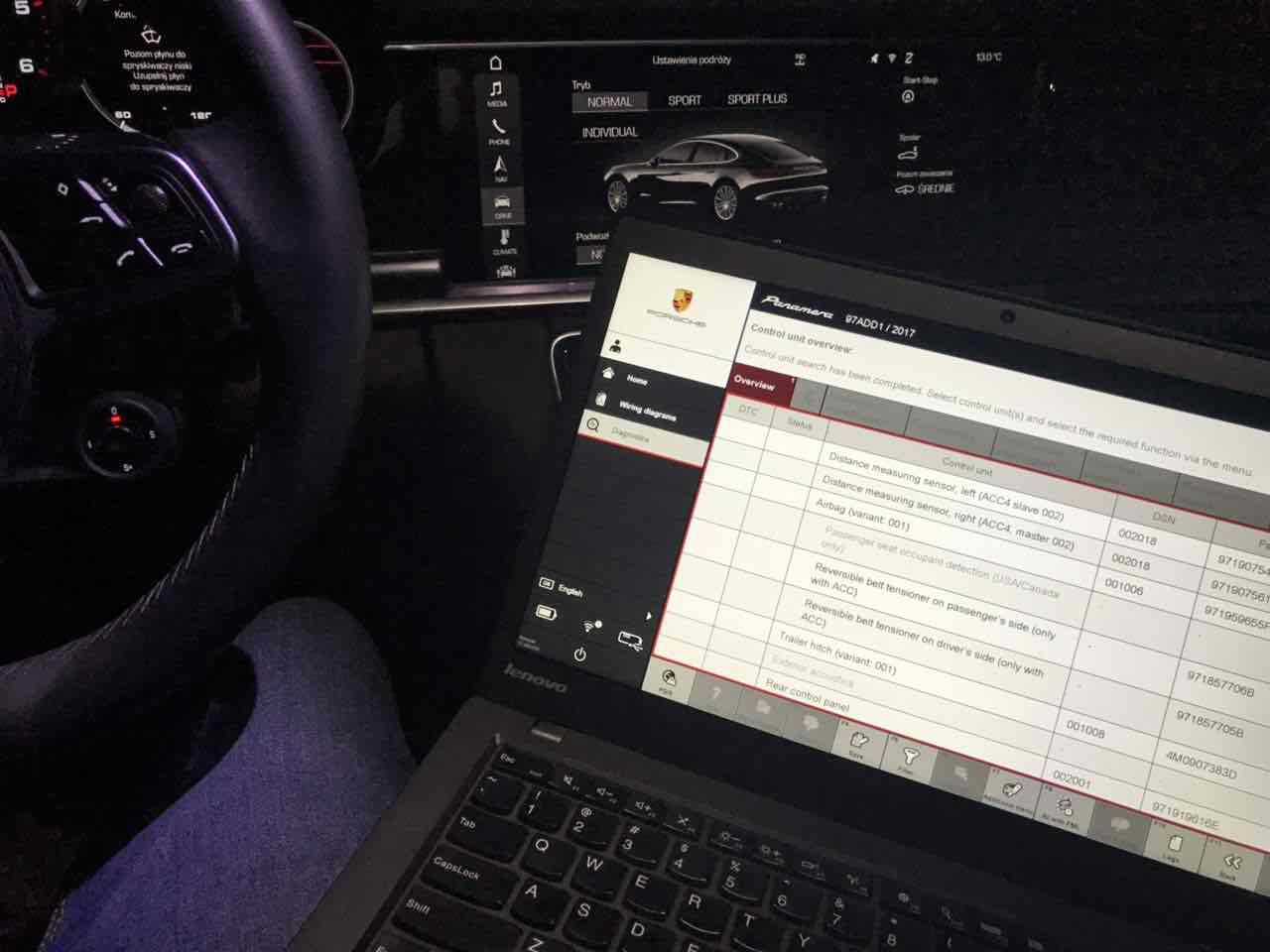
Piwis 4 Activated Software
Piwis IV Tester (PIWIS 4) is the 4th generation Porsche tester for Porsche cars on Getac Tablet, the most powerful diagnostic and programming software.
The package includes regular software updates, complete engineering mode, unlimited license, technical support and PPN (online) programming services.

Our advantages

Worldwide delivery

The Latest Software

PPN Available
Activated Offline Software with a new SHELL on the Getac Tablet board (PPN account is not required to activate the Software).
The most Advanced and Durable Workshop Tablet from Porsche. Supports OLD and NEW car models with regular updates.
Piwis4 Functions
- Diagnostics application
- Guided fault finding (GFF)
- Actual values/input signals functions
- Drive links/tests function
- Maintenance/repairs function group
- Coding/programming function group
- Logging Filter
- Wiring diagrams application
Piwis4 software
- The Latest Software Version
- Regular Updates Remotely
- Engineering Mode
- Offline Wiring Diagrams
- Unlimited License
Software updates:
Online update is available.
We do 4 regular updates in a year.
But you can do it whenever you want for example 1 time a year.
Online (PPN) Programming Services
- adopt immobilizer
- remove component protection
- program keys
- unit/module firmwares
- ipass codes
- etc.
Additional charges are taken for the PPN programming
MAIN FUNCTIONS
Porsche Piwis4 covers all old and new vehicles up to 2024 and more.
It supports a full range of diagnostics functions, offline wiring diagrams, and developer mode for codings.
- Diagnostics application is used for communication with control units. You can search for, identify, code and control program units, read out the event memory, execute complex processes, change drive links and execute routines.
- Guided fault finding (GFF) generates a test plan for a fault code. This test plan shows the best sequence for carrying out tests. GFF compiles a list of recommended tests, documents and wiring diagrams
- Actual values/input signals functions displays you the actual values and input signals of control units
- Drive links/tests function displays the drive links of control units, allows you to change the parameters of these drive links and run test routines for individual control units
- Maintenance/repairs function group – use this function to call up control unit-specific processes that cannot be implemented generically from the ODX data
- Coding/programming function group – use this function to write coding values. Values can be coded automatically or set manually. This function group includes (Automatic coding, Manual coding, Customer-specific settings and Factory settings) coding modes
- Logging – use this function to activate logging for diagnostics, guided fault finding (GFF) and measuring equipment applications. Temporary and permanent working log can be created
- Filter – use this function to limit the view of the control units installed in the vehicle. In the diagnostic application you can create, edit, activate, deactivate or assign filters
- Wiring diagrams application is the representation of physical connections and layouts of circuits



PRICING
OEM Porsche Piwis4 Kit
- Genuine Porsche Getac Tablet
- Activated Offline Piwis4 Software
- Original PT4G multiplexer
- USB-cable for the Piwis4 VCI
- Dock station + Y-cable
- Carrying case
- WiFi module

OEM Piwis4 VCI (Pt4g)
- Original PT4G Interface
- USB cable for the PT4G VCI
- Dock Station
- Y-cable for the Dock Station
- WiFi module

Photo & Video